This page explains how to use the Nylas Python SDK and Contacts API to create and manage contacts.
Before you begin
Section titled “Before you begin”Before you start, you must have done the following tasks:
- Installed and set up the Nylas Python SDK.
- Authenticated one or more users.
List contacts
Section titled “List contacts”The example below lists the first and last names, email addresses, and IDs of the first 10 contacts in a user’s contact list.
from dotenv import load_dotenvload_dotenv()
import osimport sysfrom nylas import Client
nylas = Client(    os.environ.get('NYLAS_API_KEY'),    os.environ.get('NYLAS_API_URI'))
contacts = nylas.contacts.list(    '<NYLAS_GRANT_ID>',    query_params={      "limit": 10    })
for contact in contacts[0]:  email = list(contact.emails.values())[0][0]  print("Name: {} {} | Email: {} | ID: {}".format(      contact.given_name, contact.surname, email, contact.id)  )
Create a contact
Section titled “Create a contact”When you create a contact, Nylas syncs it to the user’s provider. The following example creates a contact, assigns its attributes, and saves it to Nylas.
from dotenv import load_dotenvload_dotenv()
import osimport sysfrom nylas import Client
nylas = Client( os.environ.get('NYLAS_API_KEY'), os.environ.get('NYLAS_API_URI'))
grant_id = os.environ.get("NYLAS_GRANT_ID")
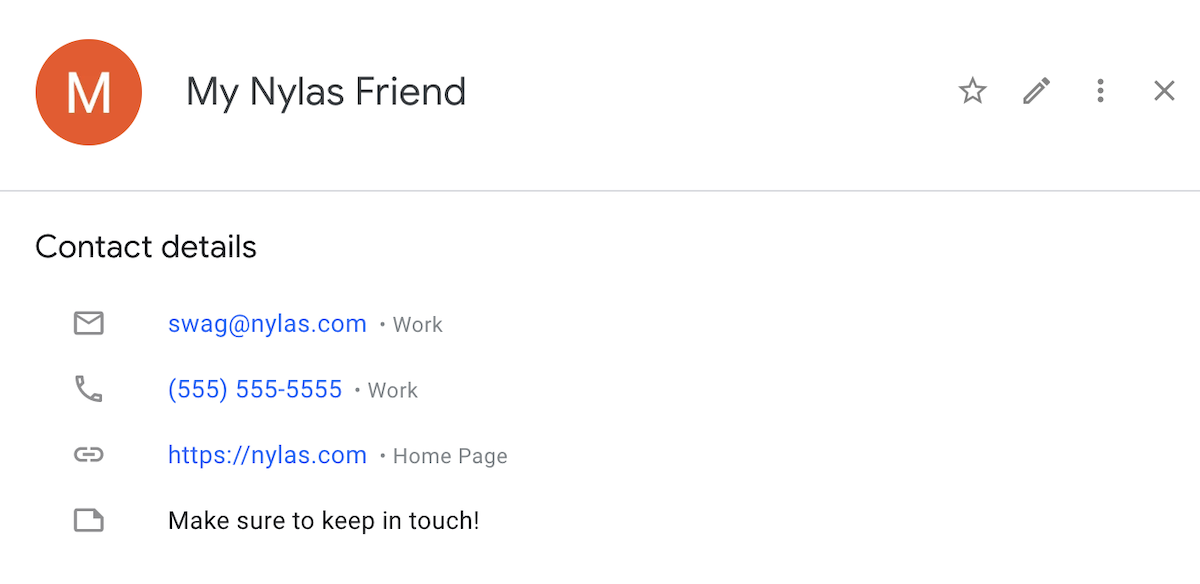
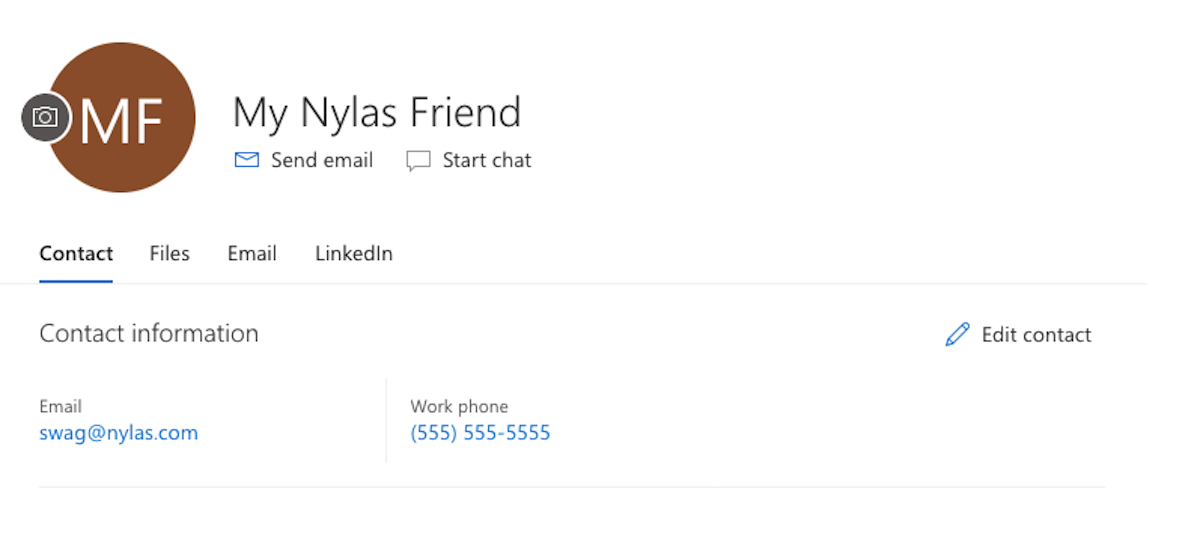
contact = nylas.contacts.create( grant_id, request_body={ "middleName": "Nylas", "surname": "Friend", "notes": "Make sure to keep in touch!", "phoneNumbers": [{"type": "work", "number": "(555) 555-5555"}], "webPages": [{"type": "other", "url": "nylas.com"}] })
print(contact)For more information on Contact objects and their attributes, see the Contacts references.
When you create a contact for a Google account, it renders like this on the provider:
For Microsoft Outlook, new contacts look like this:
Delete a contact
Section titled “Delete a contact”To delete a contact from a user’s account, you must get the contact’s id and pass it as an argument to the contacts.delete() function. You can use the same code from the List contacts section to retrieve a contact’s ID.
The code sample below finds and deletes a specific contact from a user’s account.
from dotenv import load_dotenvload_dotenv()
import osimport sysfrom nylas import Client
nylas = Client(    os.environ.get('NYLAS_API_KEY'),    os.environ.get('NYLAS_API_URI'))
grant_id = os.environ.get("NYLAS_GRANT_ID")contact_id = os.environ.get("CONTACT_ID")
request = nylas.contacts.destroy(    '<NYLAS_GRANT_ID>',    '<CONTACT_ID>',)