Platform
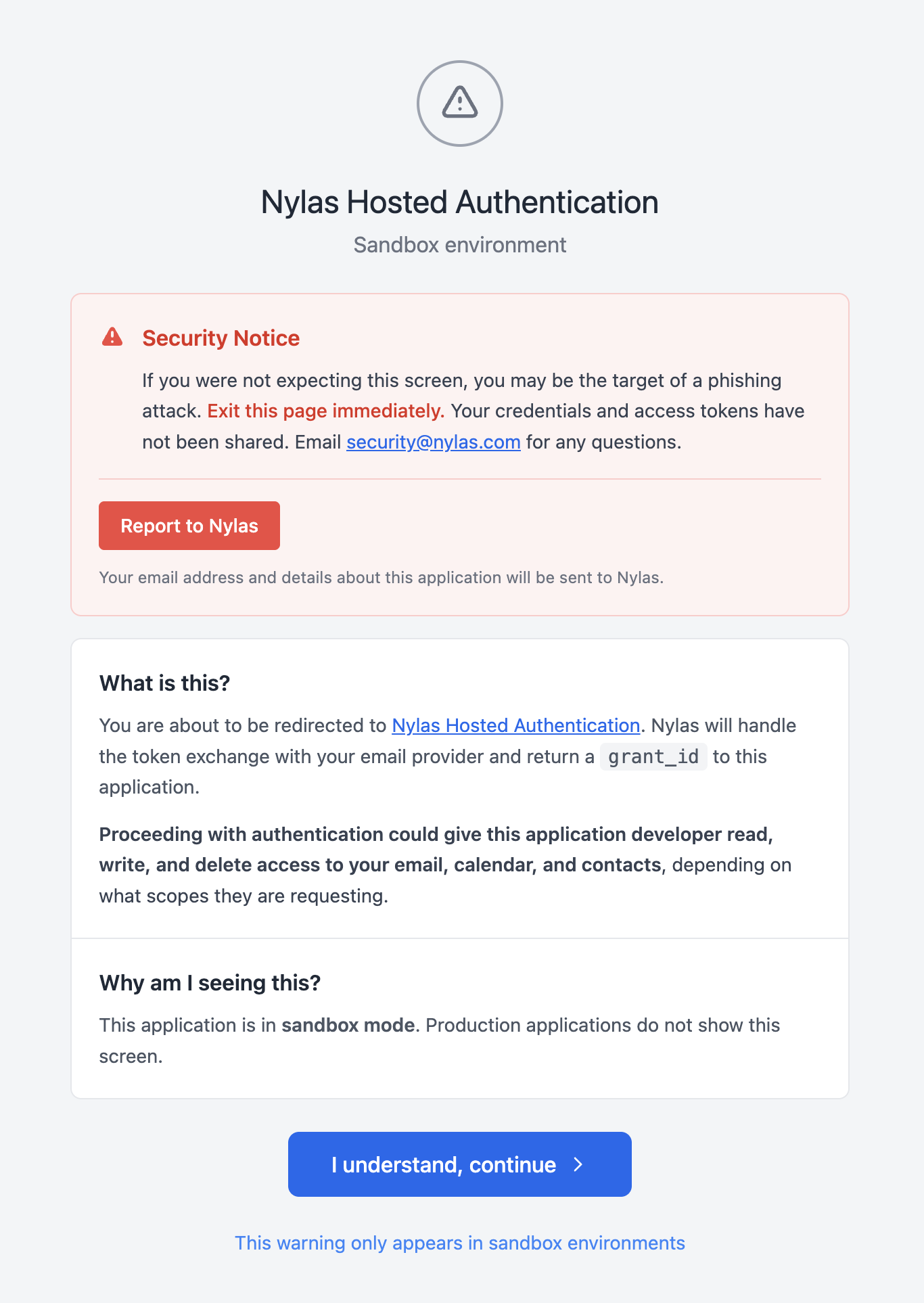
Users authenticating with a Nylas Sandbox application now see a security notice before being redirected to Nylas Hosted Authentication. The screen tells the user what they’re about to grant, calls out that proceeding could give the application developer read, write, and delete access to their email, calendar, and contacts (depending on requested scopes), and offers a one-click way to report the application to the Nylas security team. Users continue the flow by clicking I understand, continue.
- Security notice screen on Sandbox auth — Shown once before the provider redirect for any grant created against a Sandbox application. The screen surfaces the application’s identity, the permissions being requested, and a Report to Nylas action that submits the application details directly to the Nylas security team — no email needed. No code changes are required on your end — the screen renders as part of the existing hosted auth flow.
Not affected
Section titled “Not affected”- Production, Staging, and Development applications — The security notice does not appear for any paid application tier.
- Nylas Google Shared App — Users authenticating through the Google Shared App do not see the notice.