Nylas Transactional Send emails that come from a Sandbox application or that use a free nylas.email domain are automatically sent with a Nylas banner to indicate that the email was sent from a Nylas developer account.
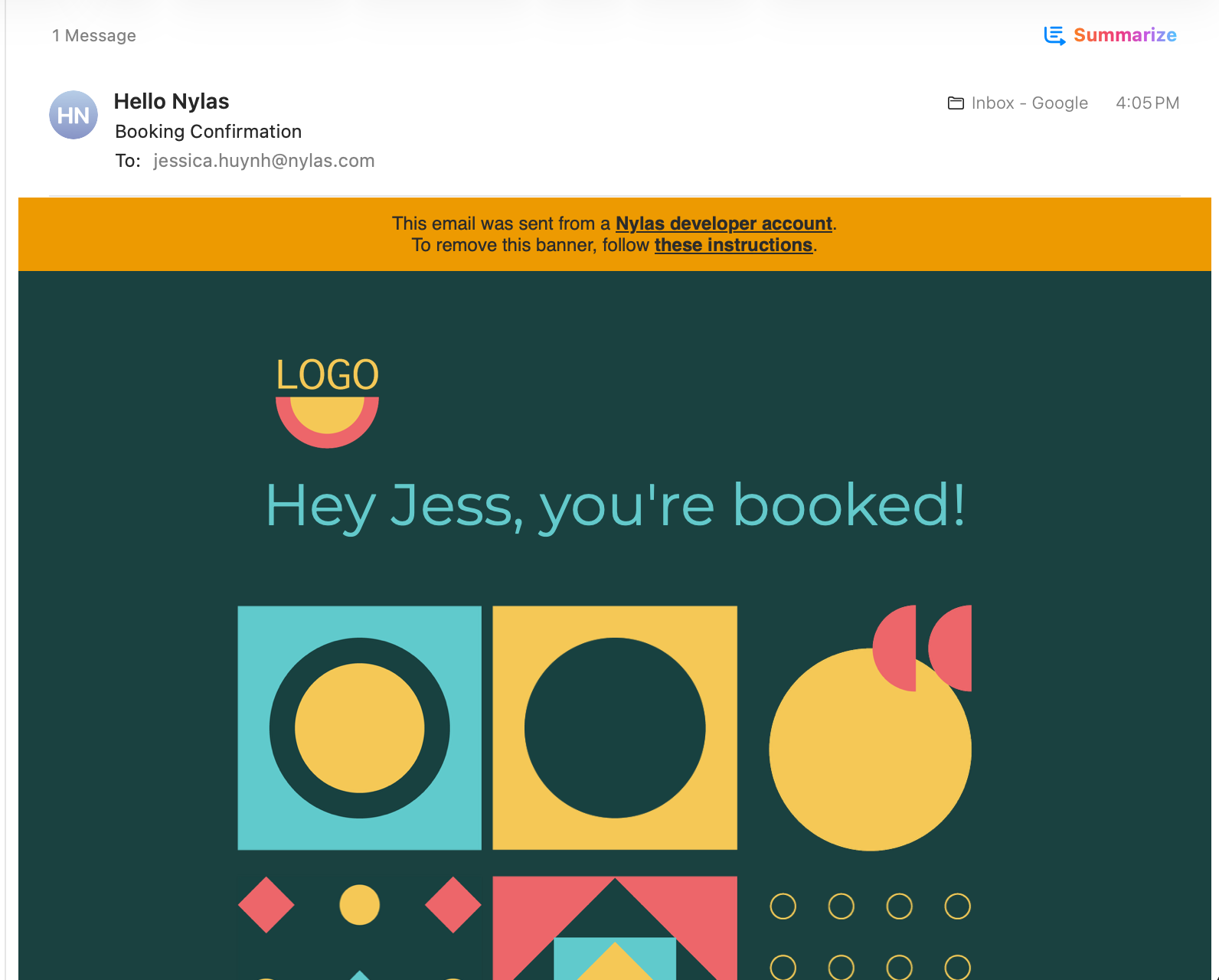
To remove this banner, you must:
- Use an application that is either a
Development,StagingorProductionenvironment. Note: Free accounts are limited to Sandbox environments. To upgrade your account, click here. - Register your own email domain. You can register your domain in your Organization Settings.